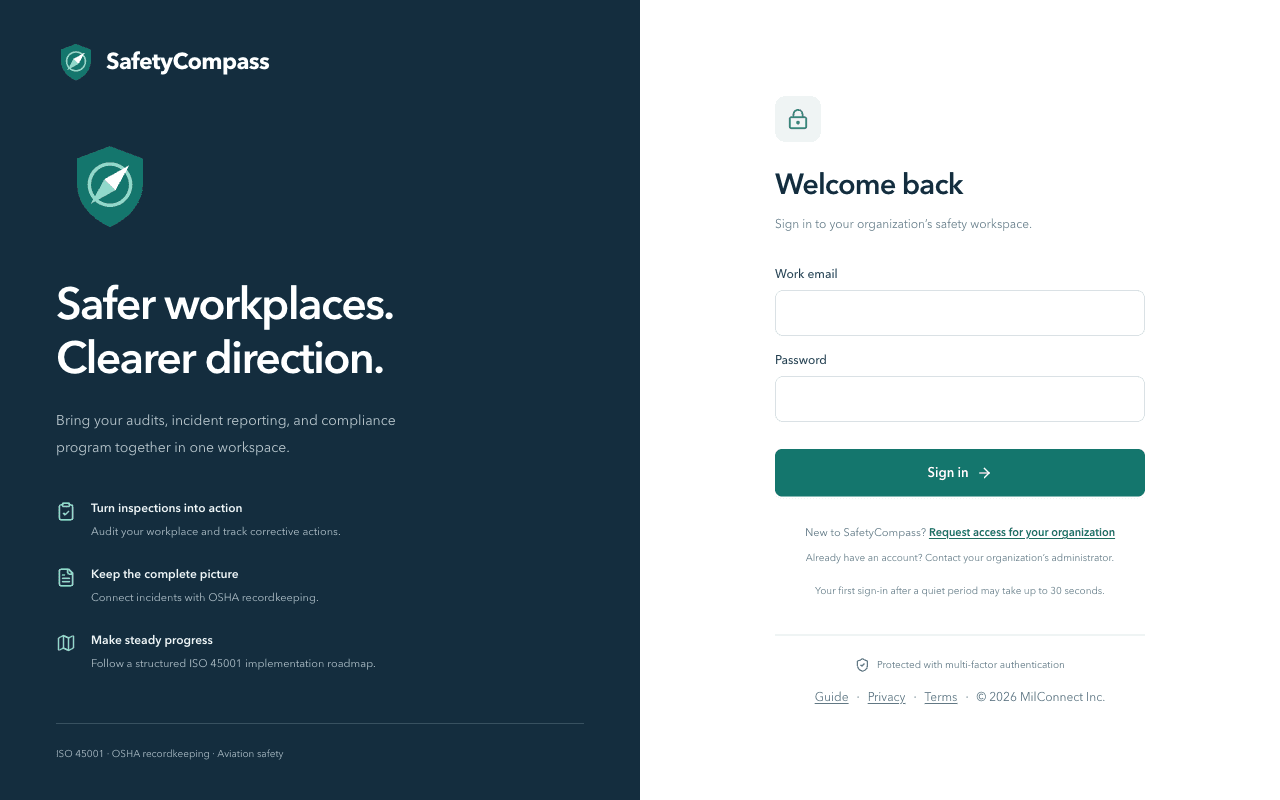
Your safety program, in one workspace
SafetyCompass keeps audits, findings, incidents, and corrective actions in one place, built around ISO 45001. No scattered spreadsheets, just a clear trail.
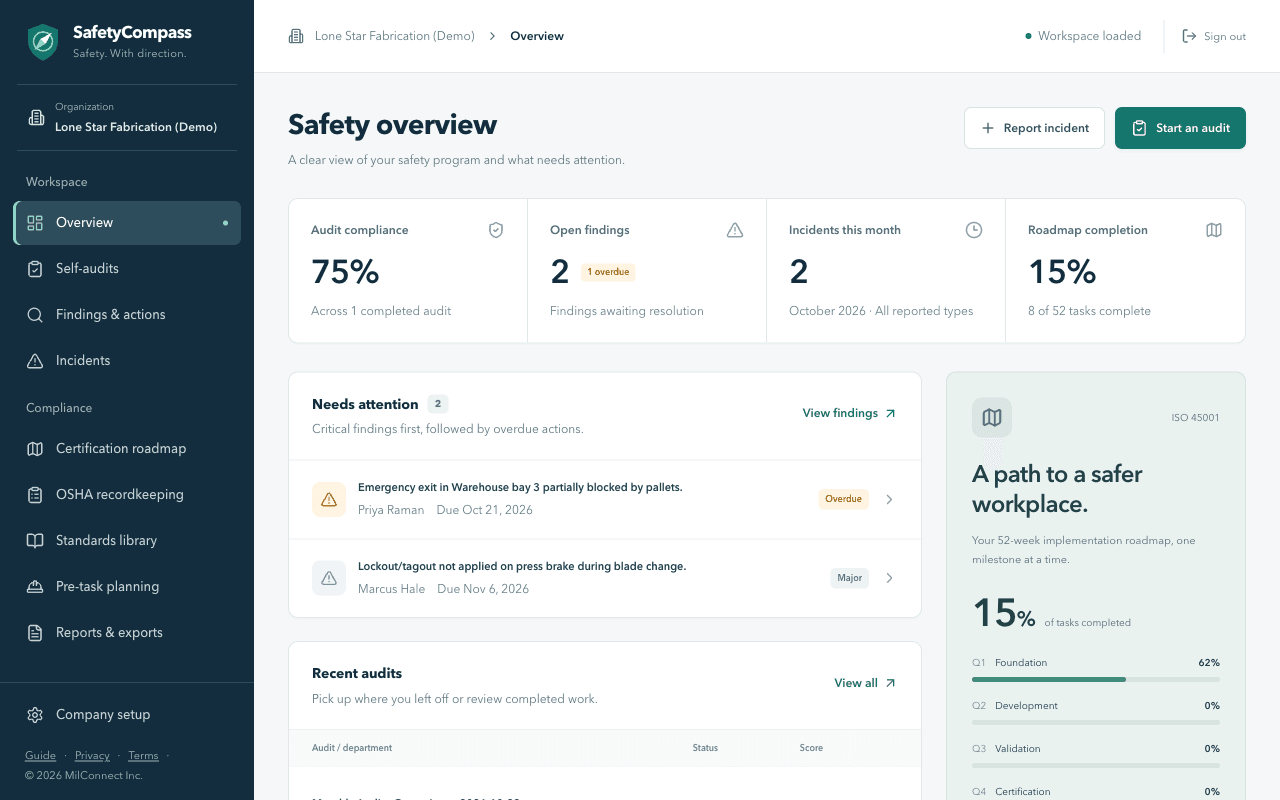
Most safety software tracks audits. This one gets findings fixed.
Safety Compass AI turns every self-audit into a list of findings with owners and target dates. No more audits that sit in a folder.
Signing in and setting up your company
Quick answers to the questions that come up when your workspace is new.
How do I get access to SafetyCompass?
Use Request access on the sign-in page and tell us your organization, how many seats you need, and how to reach you. We'll create your workspace and get back to you to finish setup.
I have an account but can't get in. What now?
Use the same request form and tick 'I already have an account and need help signing in'. Your administrator can also reset your access or answer questions about your account.
What happens the first time I sign in?
Your administrator creates your account and you get an email with a temporary password. You'll choose a new one, set up an authenticator app, and from then on sign in with your password and a fresh 6-digit code. Multi-factor authentication is required for everyone.
Who can edit company setup?
Owners and safety managers can edit company setup. Everyone else can review it. The first owner to sign in is walked through setup before the workspace opens.
What do I need to set up my company?
Your organization name, the state or territory where your workplace is located, your departments with employee counts and risk levels, and your fiscal year start month. The state you pick decides which rules appear in the Standards library.
Why does my state matter for the Standards library?
Your state determines which state rules appear next to federal OSHA ones and whether your workplace is covered by a State Plan or federal OSHA. The setup screen shows which one applies to you.
Still have questions?
Contact the setup team and we'll help you get your workspace running.
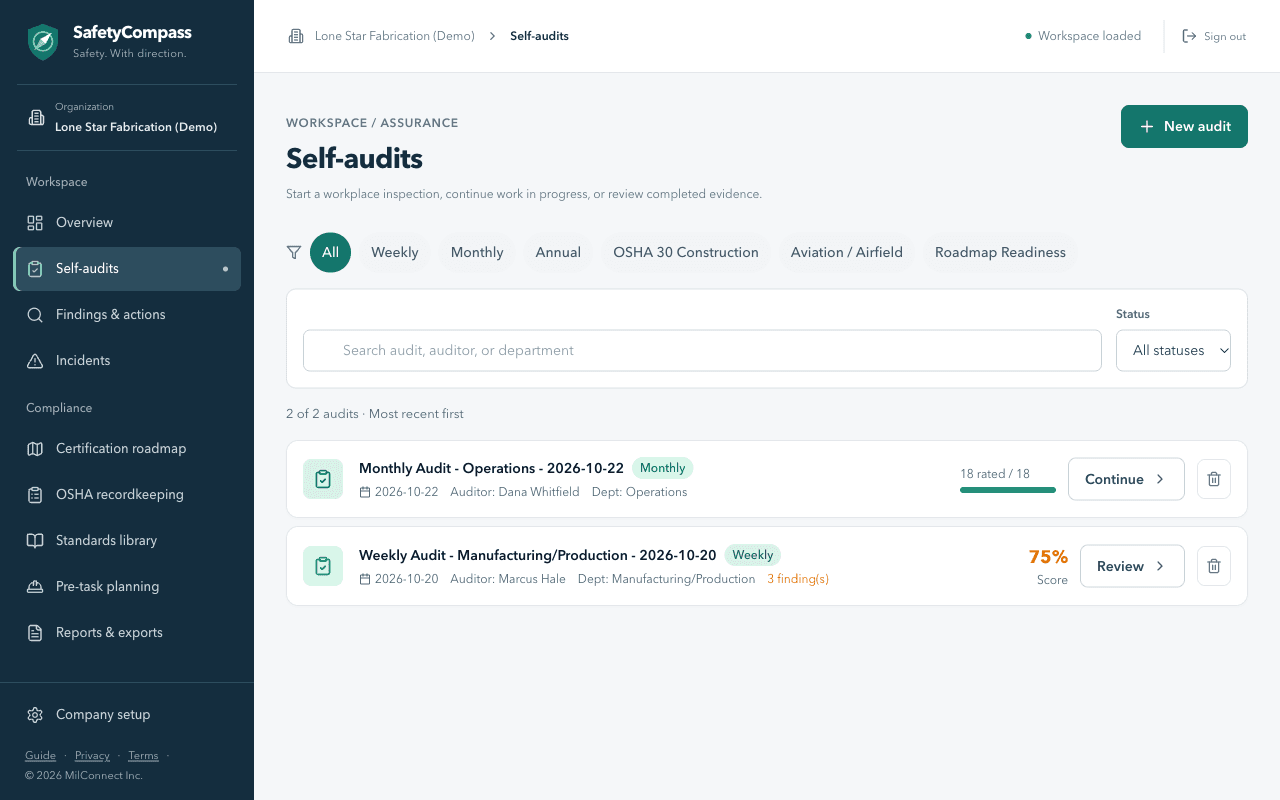
Request access and start your first self-audit
Fill in the access form with your organization and seat count. The setup team responds promptly and gets you up and running.