Contact Safety Compass AI
Reach our team to set up your workspace, get implementation support, or ask how the system fits your organization's safety program.
Get set up with SafetyCompass
Tell us about your organization and how many people need seats. The setup team will reach out to create your workspace.
Set up in 5 minutes, sign in from day one
Straight answers on getting access, signing in, and what your system needs to run.
How does my organization get access to Safety Compass AI?
Request access for your organization on the sign-in page. Tell us your organization, roughly how many people need seats, and how to reach you. Our setup team will get back to you to create your workspace.
What do I need to sign in on the first day?
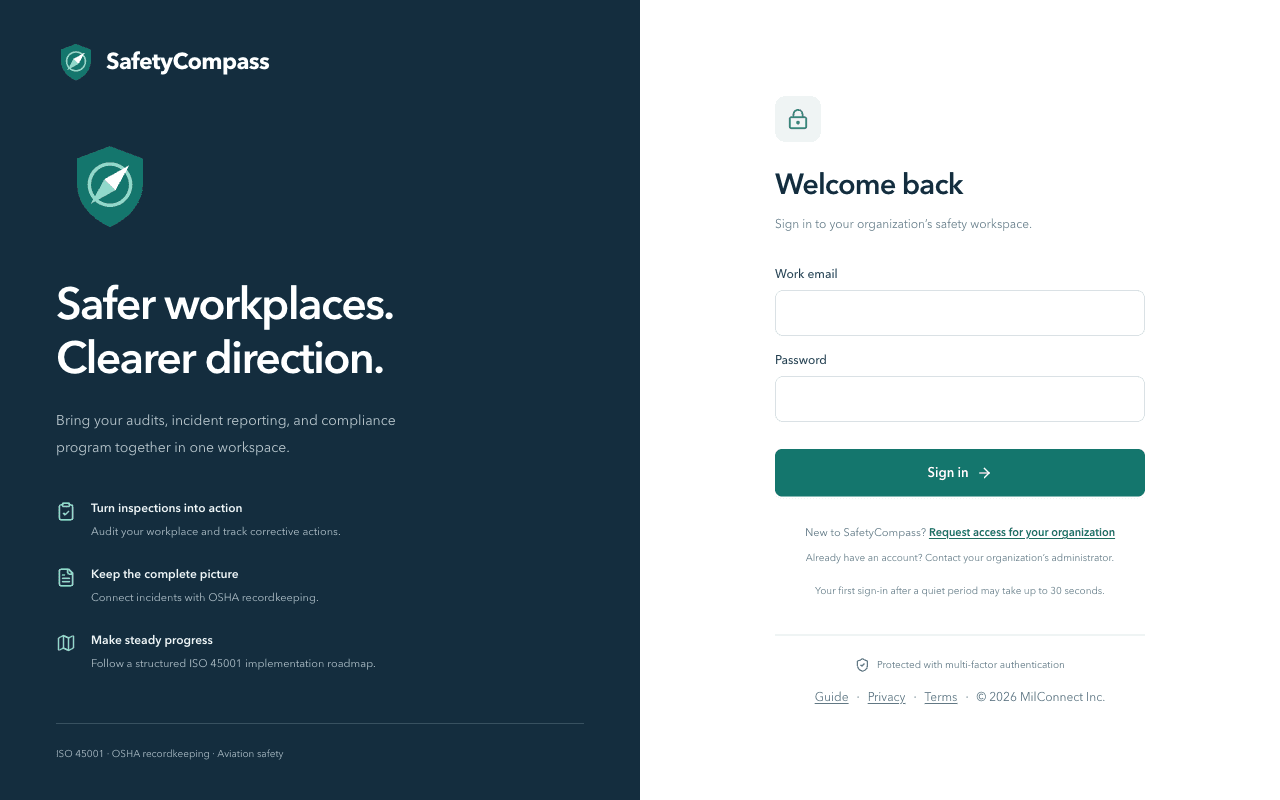
Your administrator creates your account, so you get an email with your username and a temporary password. You'll choose a new password on your first sign-in, then set up an authenticator app on your phone.
Is multi-factor authentication required for everyone?
Yes. Every sign-in asks for your password and a fresh 6-digit code from your authenticator app. It's required for all users, no exceptions, to keep your safety records secure.
What system requirements does Safety Compass AI have?
The system runs in your browser, so there's no software to install. You need a computer or tablet with an up-to-date web browser and a phone for two-factor authentication.
I have an account but can't get in. What should I do?
Use the request access form and tick 'I already have an account and need help signing in', or contact your organization's administrator. They can reset your access or check your role settings.
Can I use Safety Compass AI on a phone or tablet?
Yes. The system works on any device with a modern web browser, so you can run audits and check findings from the field. For the best experience, use a tablet or desktop for recordkeeping.
Still have questions?
Ask us anything about access, setup, or how the system works. We'll get you sorted.